Get Into the Lobby Fast with boa88
Creating your boa88 account takes a few steps — fill in your details, verify your mobile number, and your wallet is ready to fund via bKash, Nagad, or Rocket. Access is subject to your local law and eligible regions.
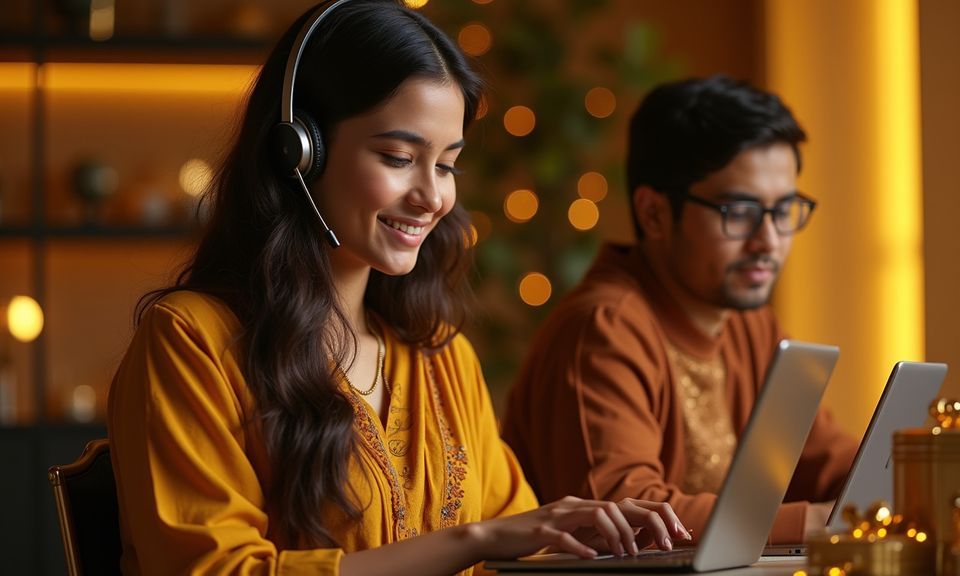
Help Available Through Registration and Beyond
If you run into a snag during registration — OTP not arriving, wallet link failing, or a form error — support is reachable without leaving the page. The live chat widget sits in the bottom corner of the register screen. For less urgent queries, email and a ticket form are also available from the help section of your account dashboard once you are logged in.
Live Chat
Reach the support team directly from the registration page via the live chat widget. Flag an OTP issue or a wallet-linking problem and get a response without switching apps.
Email Support
For account queries that need a paper trail — verification documents, withdrawal holds, or account access issues — email support handles them with a reference number attached.
Help Section
The in-account help section covers common registration and deposit questions with step-by-step answers, so most standard queries can be resolved without contacting the team.
How We Keep Your Account Secure
Security at the account level is not just a checkbox. From the moment you register, your data moves over SSL encryption, and your password is stored in hashed form — not readable by anyone on our side. The OTP step at registration means no one can activate an account on your number without physical access to your phone. Access depends on local law and eligible regions; we do not override those boundaries.
SSL Encryption
All data sent between your device and our servers is encrypted in transit. This covers your registration details, wallet numbers, and every subsequent login session you open.
OTP Account Activation
No account goes live without a verified mobile OTP. This step ties your login to a physical device and blocks registration attempts that use your number without your knowledge.
Hashed Password Storage
Your password is never stored in plain text on our systems. A one-way hash means even internal access to the database cannot recover what you set as your credentials.
Withdrawal Identity Verification
A national ID check before the first withdrawal protects your funds from being redirected. It also means only the account holder can initiate a payout, not someone who accessed your login.
What to Expect When You Register
The registration form asks for your mobile number, a password, and your preferred currency. Once you submit, an OTP lands on your phone — enter it to confirm ownership and your account activates immediately. From there, head straight to the wallet section to link your bKash, Nagad, or Rocket number before making your first deposit.
Identity verification may be requested later for withdrawals; having your national ID ready speeds that step up. The lobby opens the moment your account is active, so you can browse live tables like Dragon Tiger Live Room or check out the sportsbook before you even deposit. If anything stalls during setup, the support chat is
reachable from the registration page itself — no need to hunt through menus. Account access depends on your location and whether online gaming is permitted under local law where you are.
-
OTP Verification Your mobile number is confirmed with a one-time code sent instantly. This keeps your account tied to a number only you control, and it takes under a minute to complete.
-
Wallet Linking After registration, connect your bKash, Nagad, or Rocket number in the wallet section. Deposits then clear directly into your account balance without a separate transfer step.
-
Identity Check for Withdrawals A national ID scan may be required before your first withdrawal is processed. Uploading it early means no delays when you are ready to pull funds out.
-
Lobby Access on Sign-Up Your account opens to the full lobby — live casino, slots, crash games, and the sportsbook — the moment registration is confirmed, before any deposit is needed.
Account
The registration form asks for your mobile number, a password, and your preferred currency. Once you submit, an OTP lands on your phone — enter it to confirm ownership and your account activates immediately. From there, head straight to the wallet section to link your bKash, Nagad, or Rocket number before making your first deposit. Identity verification may be requested later for withdrawals; having your national ID ready speeds that step up. The lobby opens the moment your account is active, so you can browse live tables like Dragon Tiger Live Room or check out the sportsbook before you even deposit.
Explore the LobbyYour details are encrypted for secure account access.
Fund Your Account via Local Wallets
Deposits at boa88 run through the payment rails Bangladesh players already use daily. Open your bKash, Nagad, or Rocket app, send to the account number shown on the deposit screen, confirm with your PIN, and the amount appears in your boa88 balance. Each method follows the same flow — no card details, no bank form. Withdrawal requests follow a verification step and are returned to the same wallet you deposited from.
Common Questions About Signing Up
Answers to the registration questions we hear most often, covering account setup, wallet linking, and what to do if something goes wrong.
Register
Service availability depends on eligible regions and local law. Users should check local rules before opening an account.
Access may be available only where local law permits.